
Download Boomerang – Gmail client with unique options
Overview
Boomerang is a specialized desktop application designed to enhance the Gmail experience for users who manage high volumes of email. The software functions as an alternative client, offering advanced tools not available in the native Gmail interface. Its primary purpose is to streamline email workflow through features like scheduled sending, deferred reading, and improved message prioritization. This makes it particularly useful for professionals, remote workers, and individuals who rely heavily on timely and organized communication.
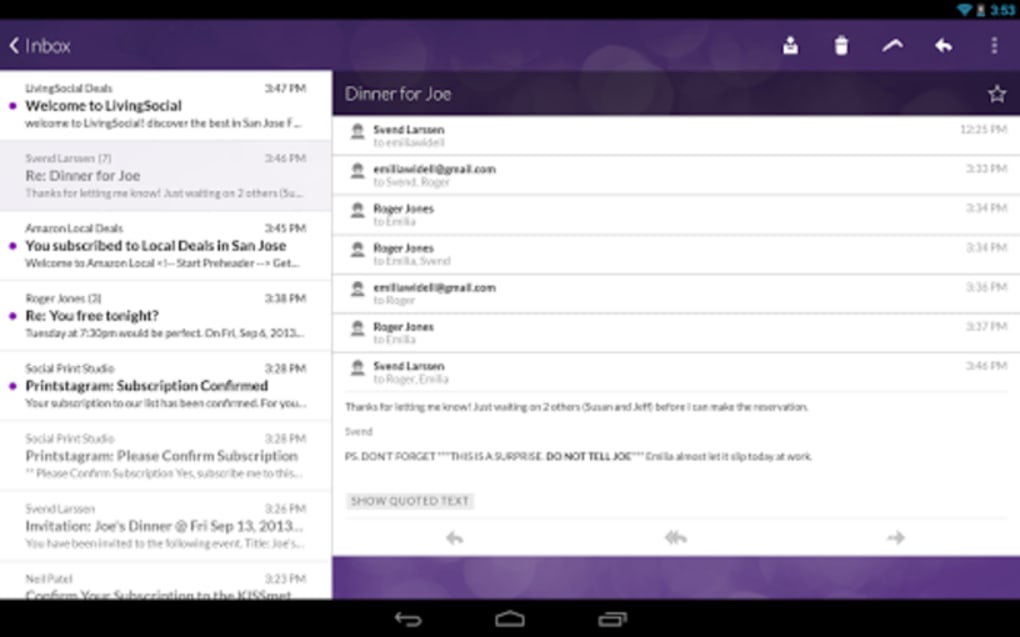
Boomerang addresses common pain points such as delayed responses, inbox clutter, and inefficient message handling. By allowing users to schedule emails for future delivery and defer reading until a preferred time, the app helps maintain focus and reduce interruptions. The interface is optimized for touch-based navigation, supporting intuitive gestures like swiping left or right to access actions, similar to the Gmail experience but with enhanced control.
Designed for users who value efficiency and customization, Boomerang caters to those who want more control over their email workflow than standard Gmail provides. While it does not support Gmail’s newer labeling system, it compensates with alternative organizational tools and visual themes. The application is currently available exclusively for Android devices and is not supported on iOS.
Key Features & Capabilities
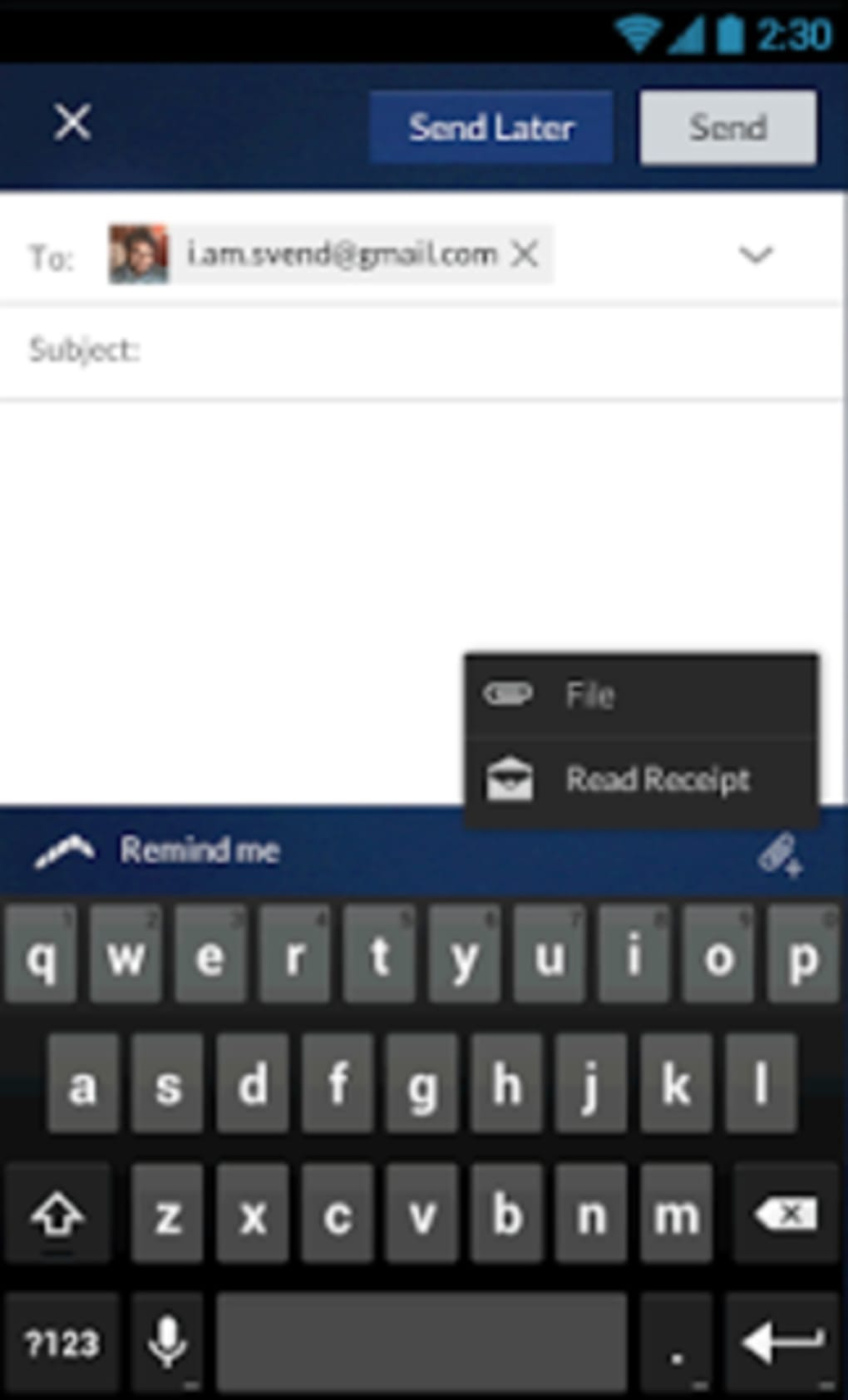
- Scheduled Sending: Compose emails and set a specific time for delivery. This feature is ideal for sending messages during business hours, avoiding late-night or weekend emails, and maintaining professional timing.
- Boomerang Messages: Delay the appearance of incoming emails in your inbox for a user-defined period. This helps manage information overload by allowing users to review messages at a more convenient time.
- Important Messages: Mark emails as important to ensure they reappear in your inbox if no response is received, promoting accountability and follow-up.
- Multi-Account Management: Seamlessly switch between multiple Gmail accounts within a single interface, reducing the need to log in and out.
- Enhanced Touch Controls: Offers intuitive gestures such as swiping left or right to access actions, improving navigation speed and usability.
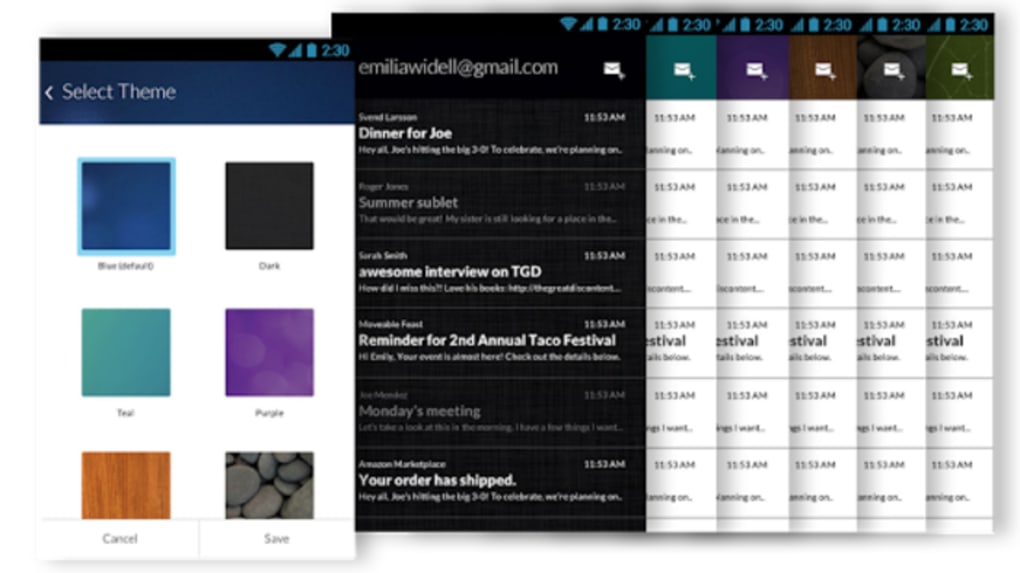
- Customizable Themes: Choose from multiple visual themes to personalize the look and feel of the app based on user preference.
These features collectively support a more structured and intentional email workflow. For example, a project manager can schedule status updates to go out at the start of the workday, while deferring non-urgent messages until after meetings. Similarly, a freelancer might use the boomerang function to pause notifications from client emails during focused work sessions.
User Interface, Workflow & Performance
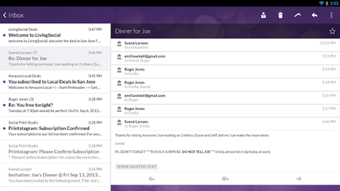
The user interface of Boomerang is clean and gesture-driven, prioritizing speed and accessibility. Navigation is based on touch gestures, with a swipe to the right archiving messages and a swipe to the left revealing a menu of additional actions. This layout mirrors the native Gmail experience but adds more responsive feedback and customizable options.
Workflow efficiency is enhanced by the app’s focus on reducing repetitive tasks. Users can quickly schedule messages without switching contexts, and deferred emails are automatically reintroduced based on user-defined intervals. The interface supports one-handed use, making it practical for on-the-go access.
Performance details were not specified by the developer. However, based on general behavior of mobile email clients, the app is expected to operate smoothly on devices with standard Android capabilities. The developer did not provide additional system requirements or resource usage data. Stability and background operation are assumed to be consistent with typical Android applications, though real-world performance may vary depending on device and network conditions.
Compatibility & System Requirements
Boomerang is designed for Android devices and is compatible with all devices that support the Gmail application. The software is not available on iOS platforms. The exact installation size and hardware requirements were not listed by the developer.
Users should ensure their device runs a recent version of Android to access the full range of features. Compatibility with older Android versions is not confirmed. The developer did not specify minimum CPU, RAM, or storage requirements. It is recommended to install the app from official sources to ensure security and proper functionality.
Pros and Cons
Pros
- Offers unique Gmail enhancements not found in the native app
- Supports scheduled email sending for better timing control
- Allows deferral of messages to reduce inbox clutter
- Intuitive touch-based navigation with customizable gestures
- Multi-account support within a single interface
- Available for free with optional in-app purchases
Cons
- Does not support Gmail’s newer labeling system
- Not available on iOS devices
- Exact system requirements and resource usage not disclosed
- Some features may require in-app purchases
- Limited customization for advanced users
FAQ Section
Is Boomerang compatible with all Android devices?
Boomerang is compatible with Android devices that support the Gmail application. Specific compatibility with older or low-end devices was not confirmed by the developer.
Is Boomerang safe to use with my Gmail account?
As a third-party Gmail client, Boomerang requires access to your Gmail account. It is recommended to use only official app sources and review the permissions requested during installation.
Can I use Boomerang without an internet connection?
Basic app functions like viewing saved drafts may work offline, but core features such as sending, scheduling, and syncing require an active internet connection.
Does Boomerang support multiple Gmail accounts?
Yes, Boomerang allows users to manage multiple Gmail accounts within a single interface, streamlining access across different profiles.
Is there a desktop version of Boomerang?
Boomerang is currently available only for Android devices. There is no official desktop version released at this time.
Final Thoughts + CTA
Boomerang stands out as a powerful alternative to the standard Gmail client, particularly for users seeking greater control over their email workflow. Its unique features—scheduled sending, message deferral, and enhanced touch navigation—address real-world challenges in email management. While it lacks support for Gmail’s labeling system and is limited to Android, its strengths in usability and customization make it a compelling choice for professionals and frequent email users.
For those who prioritize efficiency, timing, and inbox clarity, Boomerang offers a practical solution that extends beyond the native Gmail experience. Despite the absence of some advanced organizational tools, its focus on workflow optimization and user-centric design delivers tangible benefits.
Download Boomerang now





.png)

